



Tarjeta rastreadora ultradelgada recargable para billetera | Compatible con Buscar mi Apple y Posicionamiento Global Micflip p10
Nunca vuelvas a perder tu billetera.
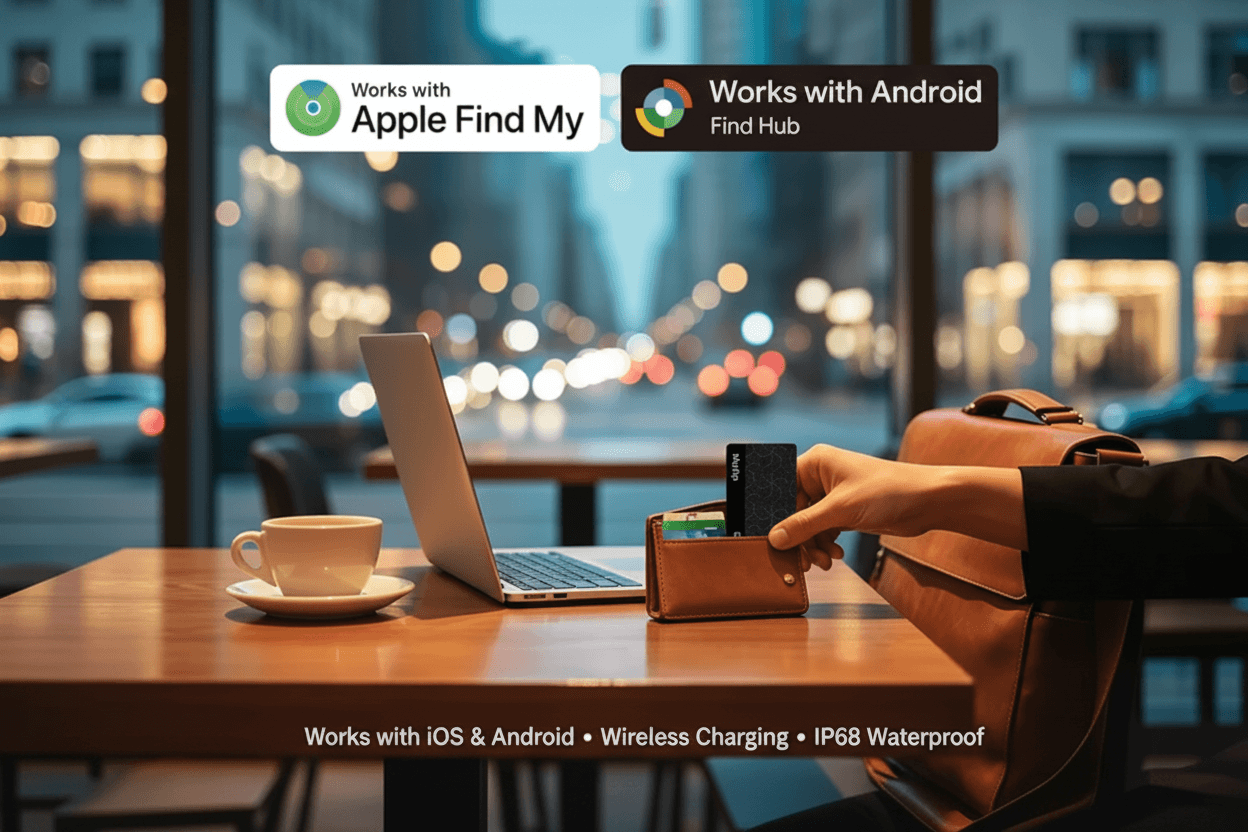
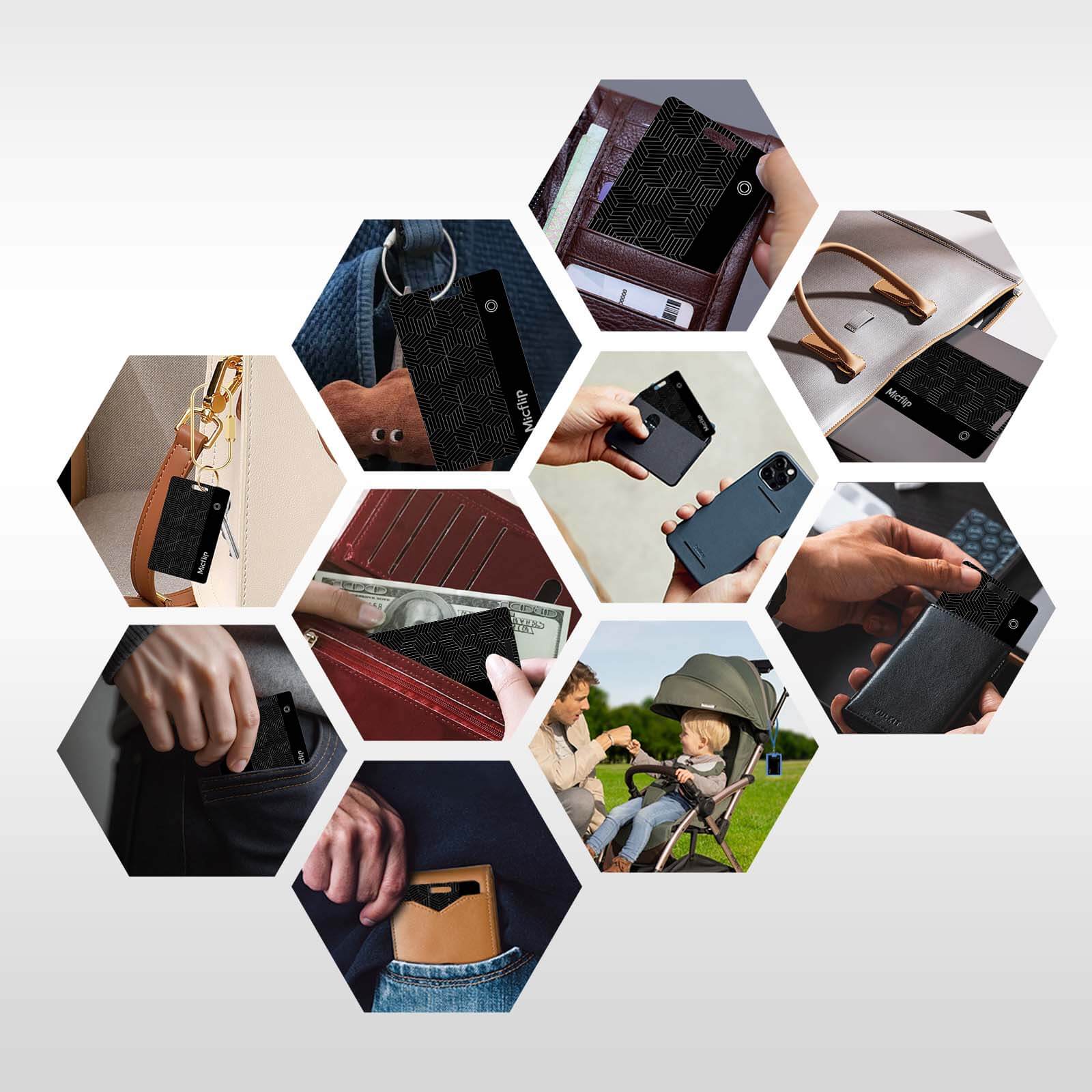
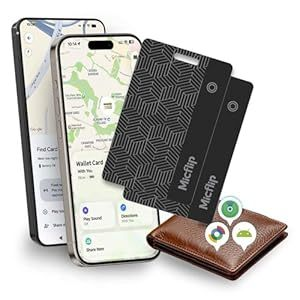
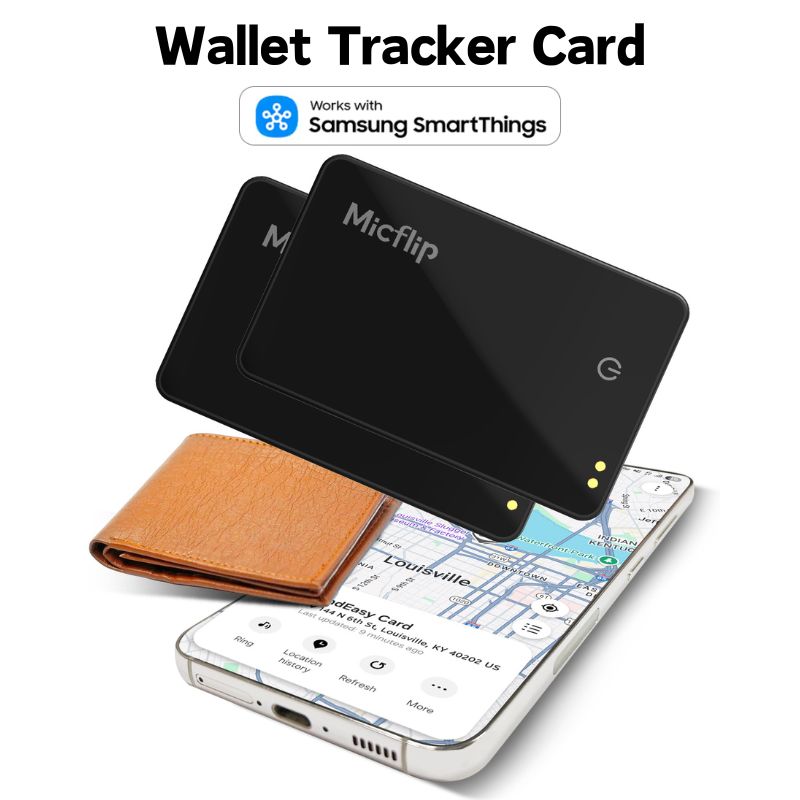
Guarde el Smart Card Finder en su billetera como si fuera una tarjeta de crédito. Sin volumen, sin pilas que cambiar: tranquilidad. Certificado oficialmente para funcionar con la red Buscar de Apple , este rastreador le permite localizar sus pertenencias en cualquier lugar del mundo de forma segura y privada.
Características principales:
-
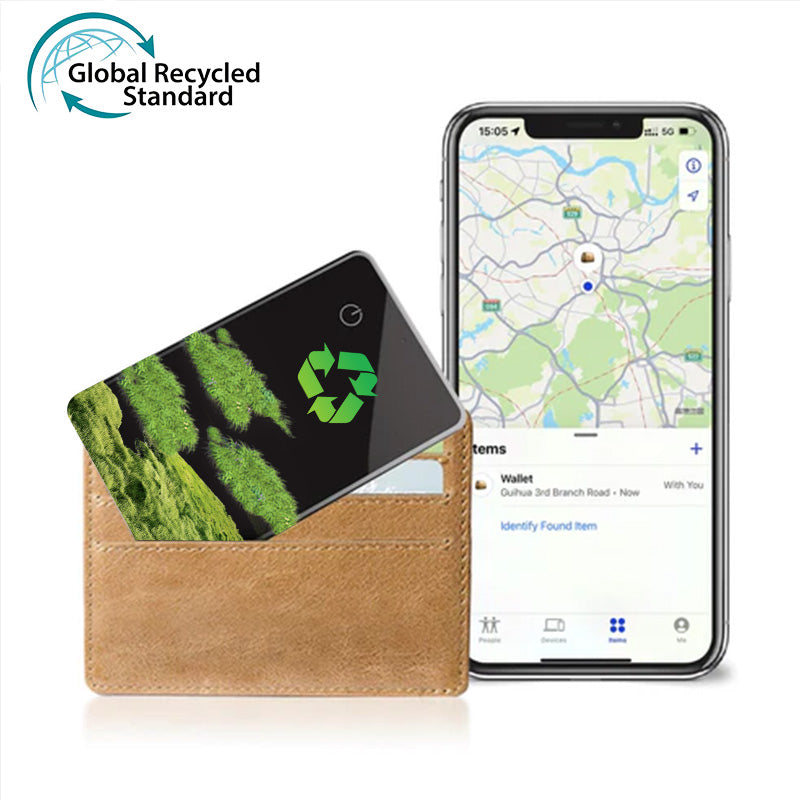
📱 Funciona con Apple Find My: Se conecta perfectamente a tu iPhone, iPad o Mac. Usa la app preinstalada "Buscar" para rastrear tu billetera globalmente. Siempre que haya dispositivos Apple cerca, en cualquier parte del mundo, podrás ver la ubicación de tu artículo.
-
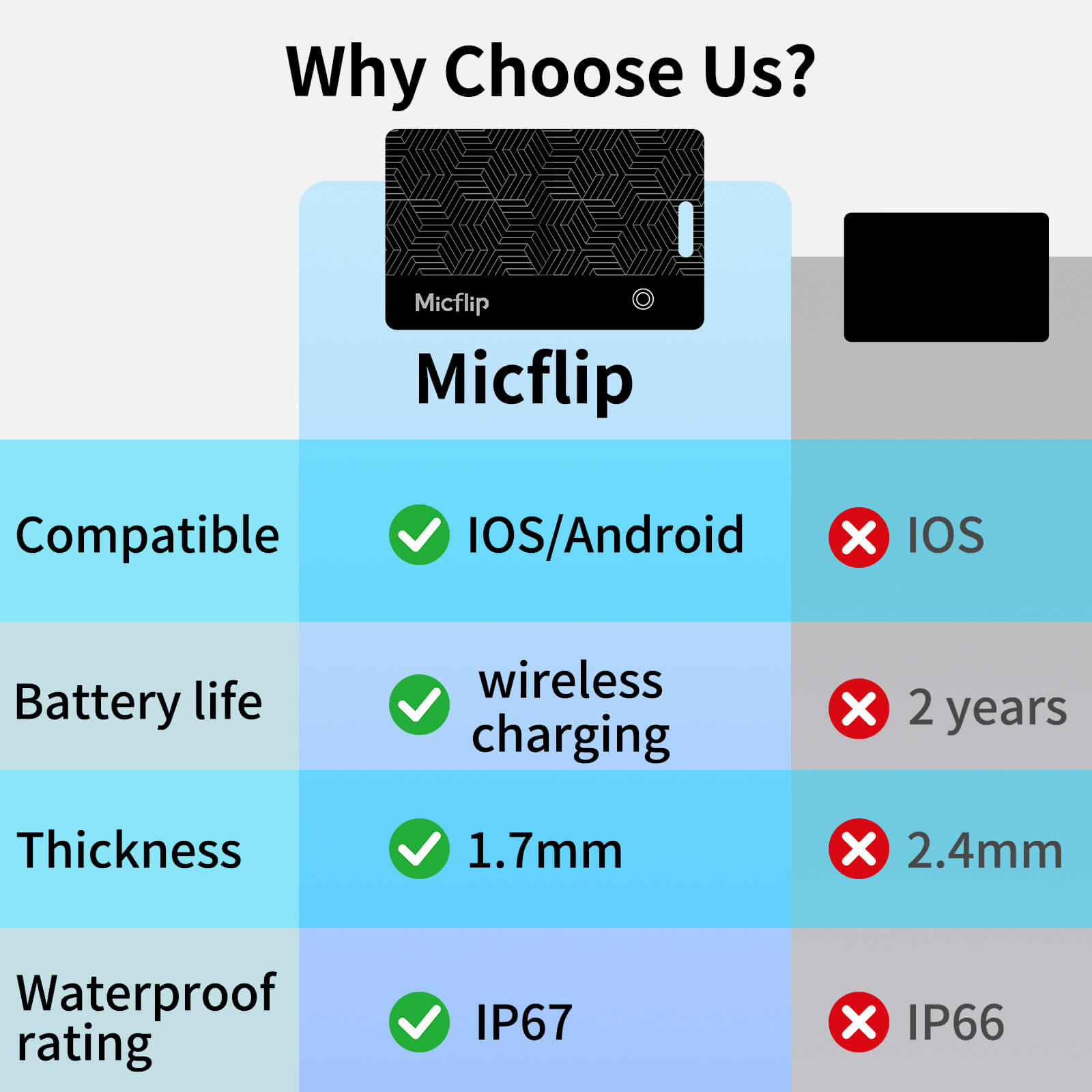
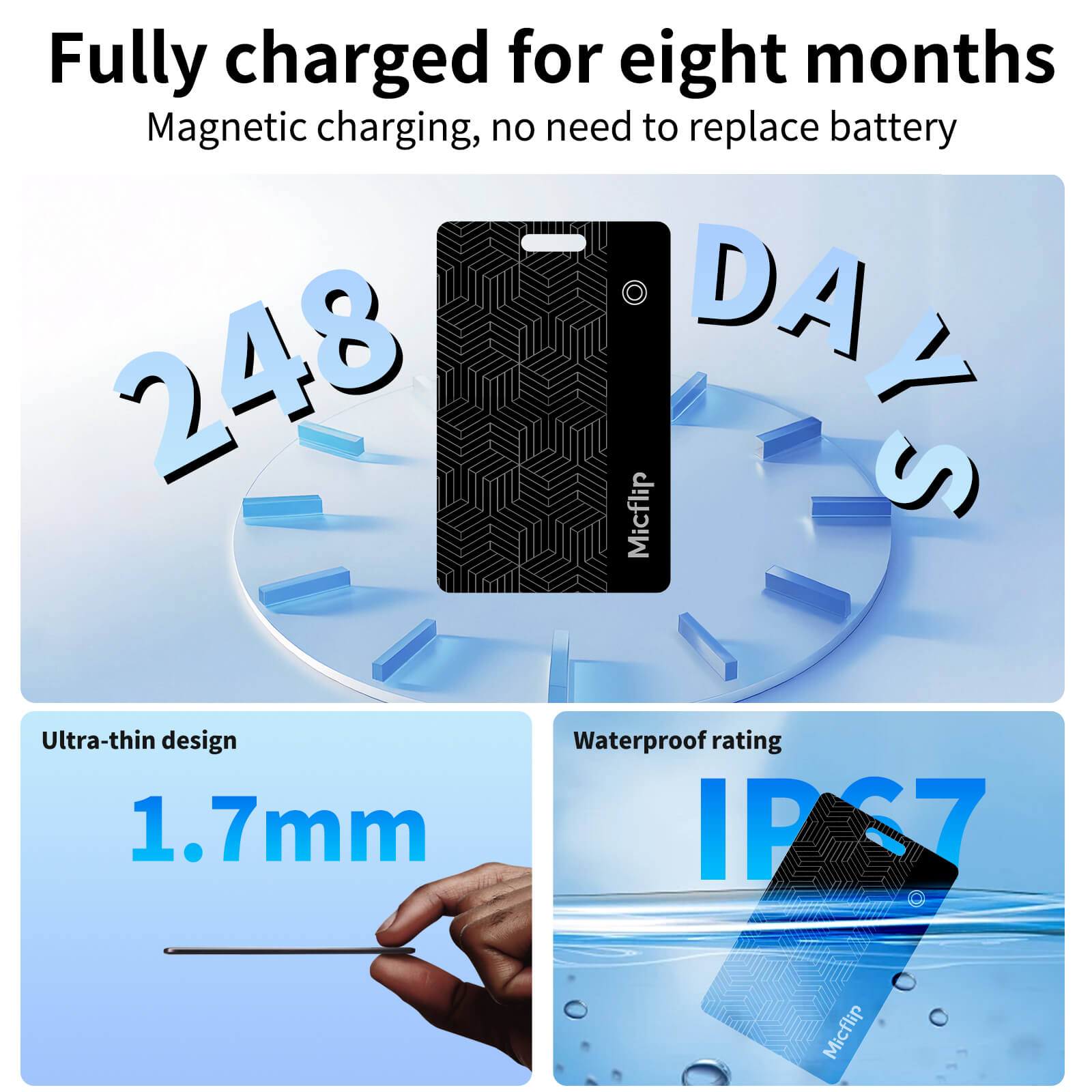
🔋 Comodidad recargable: A diferencia de otros rastreadores con baterías no reemplazables, nuestra tarjeta admite carga magnética. Una sola carga de 1 hora proporciona hasta 2 meses de tiempo de espera. (Cable de carga magnético incluido).
-
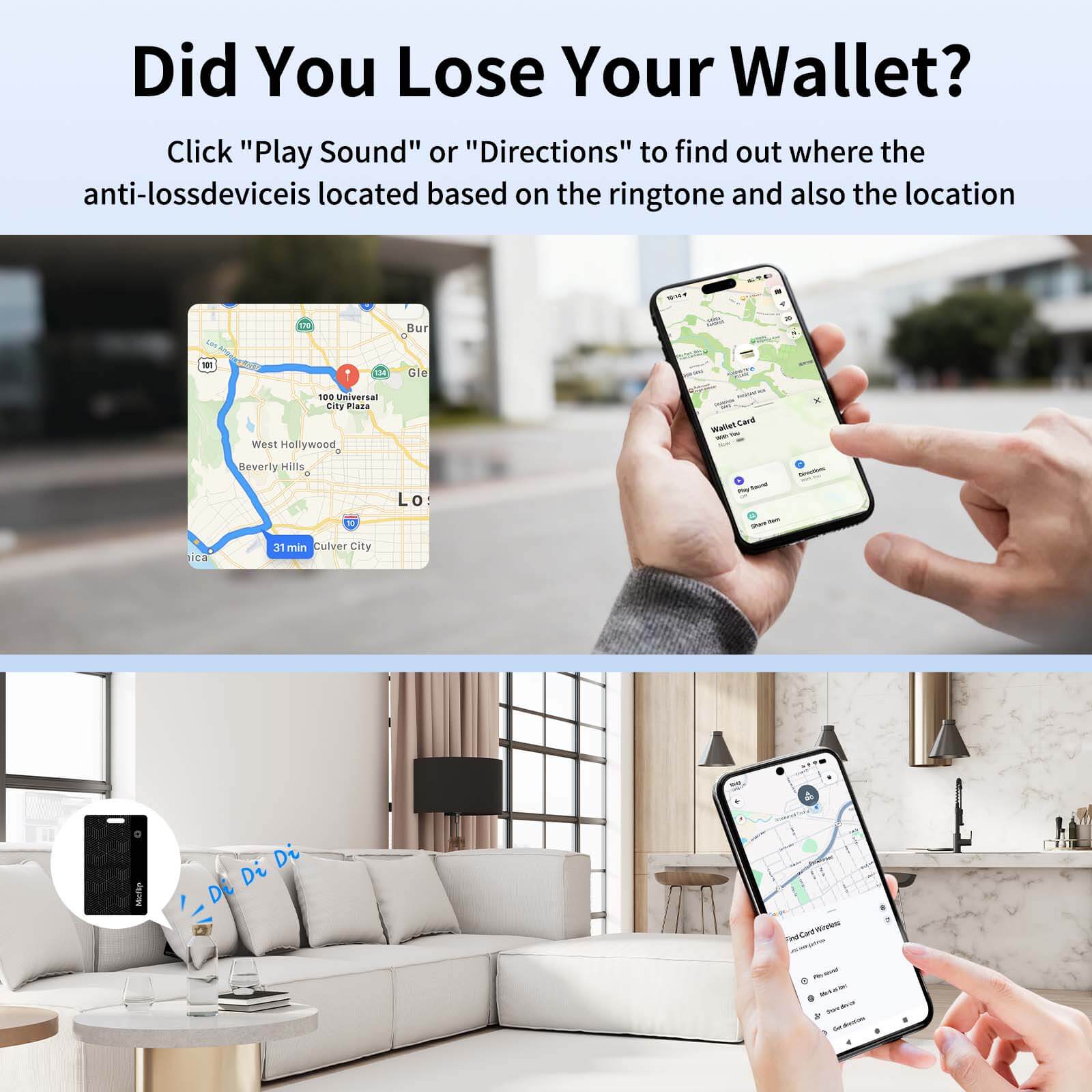
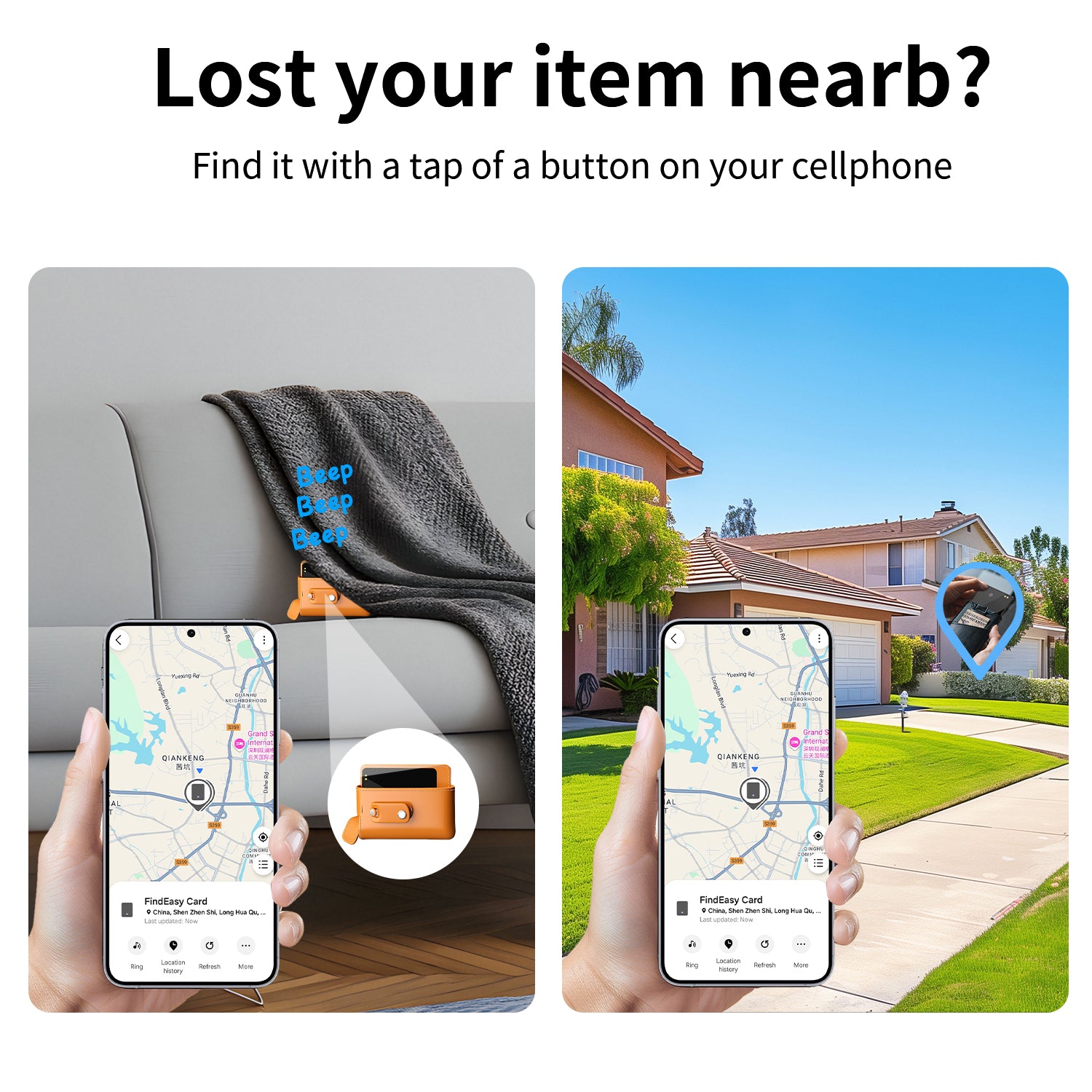
🔊 Reproducir sonido para encontrar: ¿No encuentras tu billetera en la habitación? Solo toca "Reproducir sonido" en la app y la tarjeta emitirá un pitido para ayudarte a localizarla al instante. Compatible con el comando "Oye Siri".
-
💦 Resistente al agua IP65: Diseñado para resistir salpicaduras diarias, lluvia y derrames accidentales. Resistente y confiable para uso diario.
-
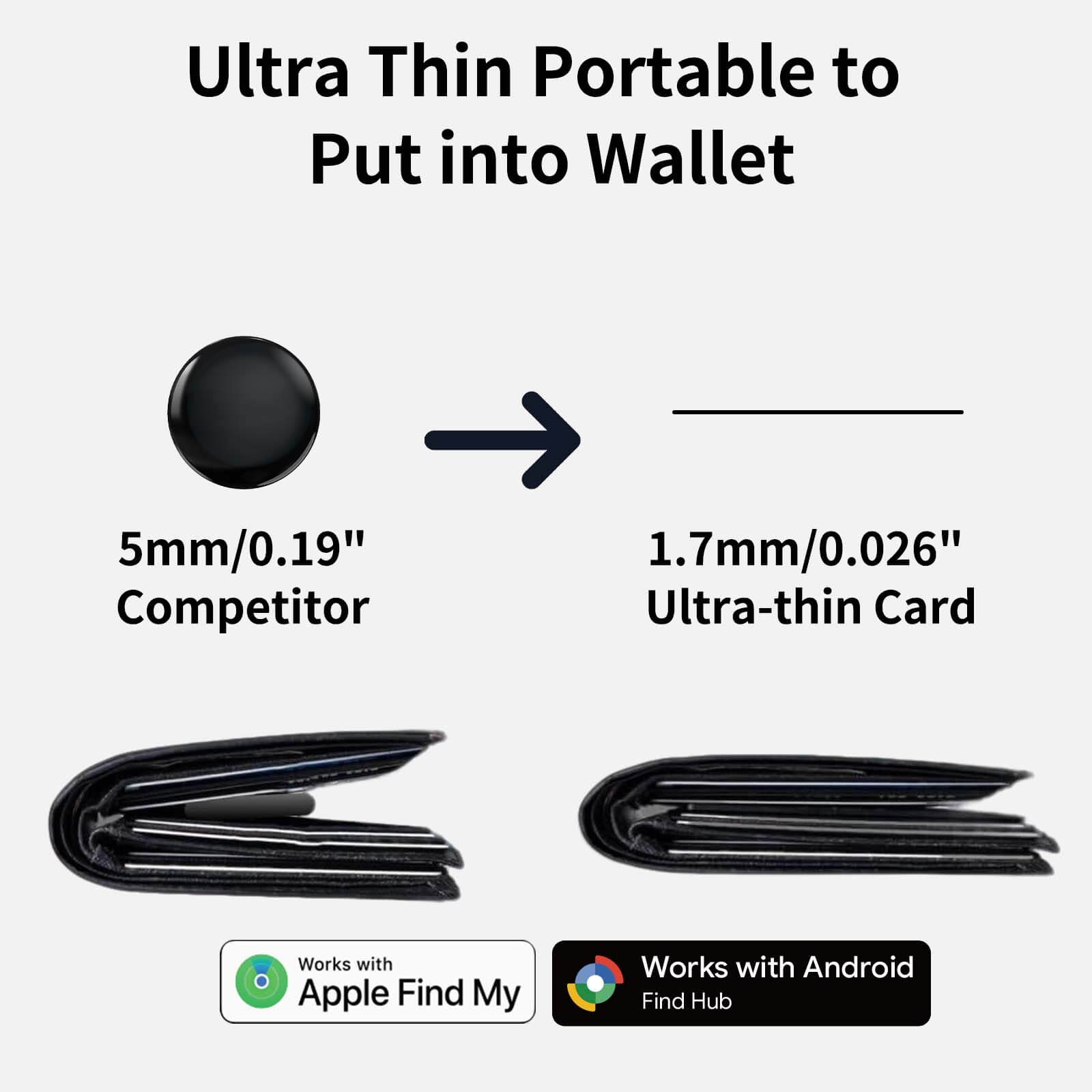
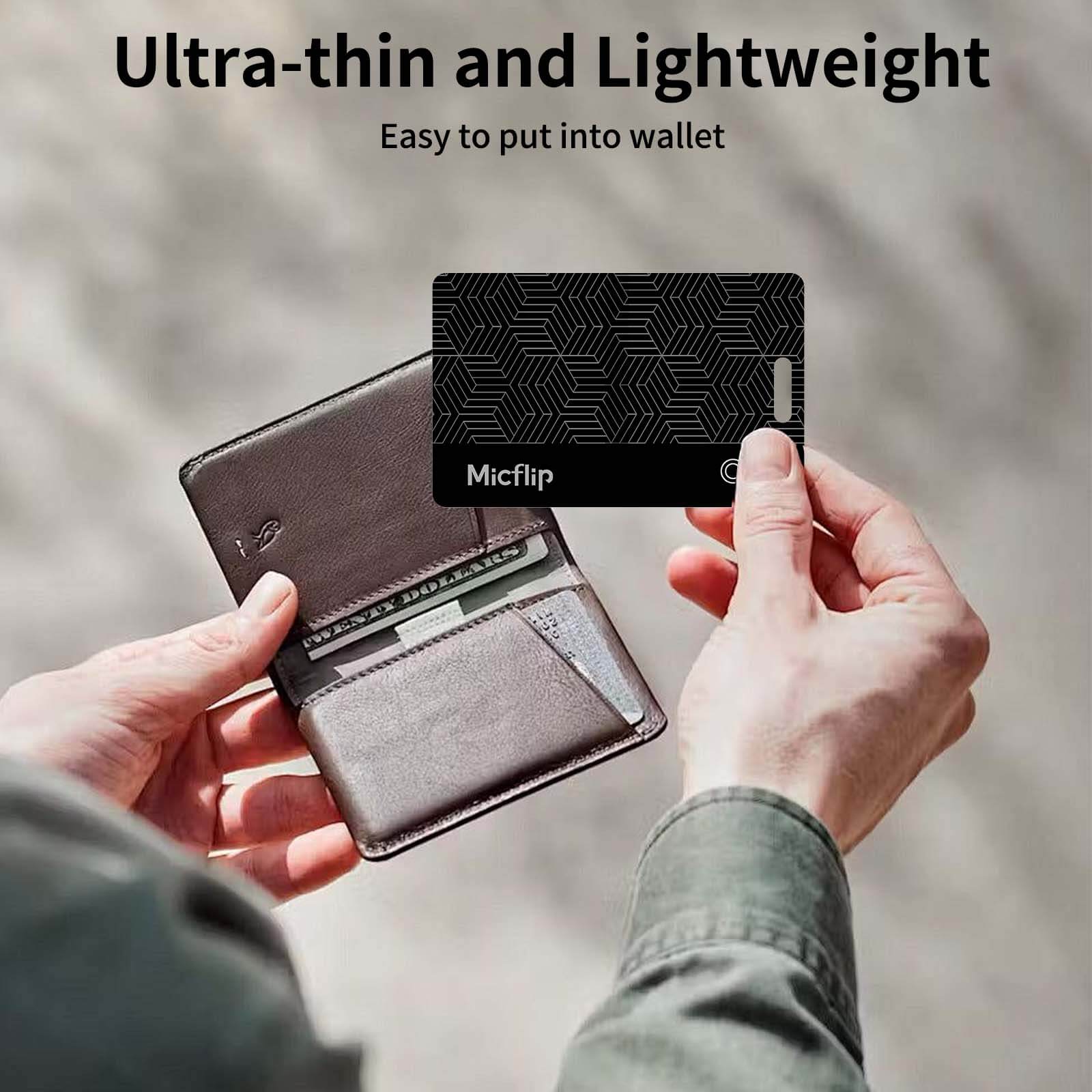
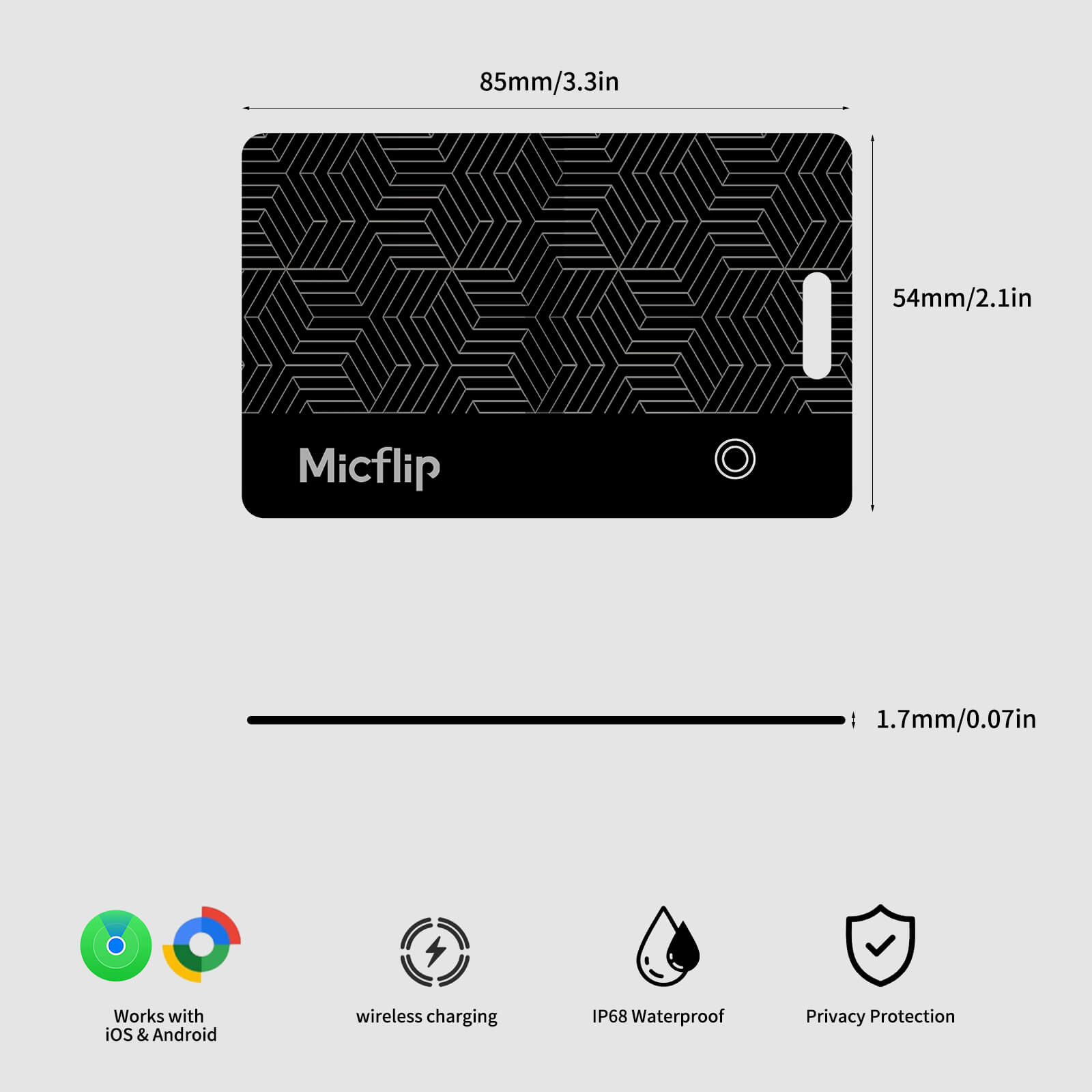
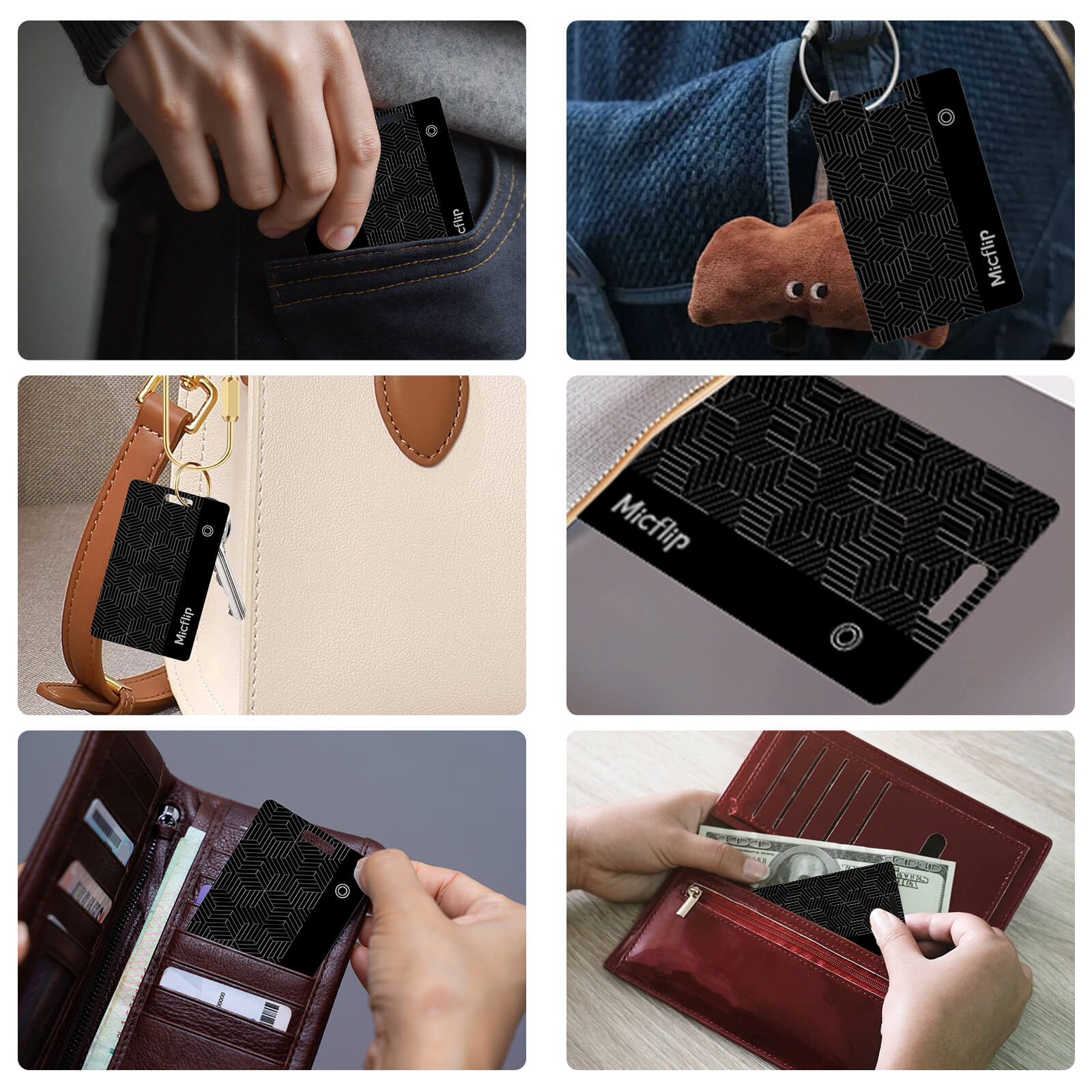
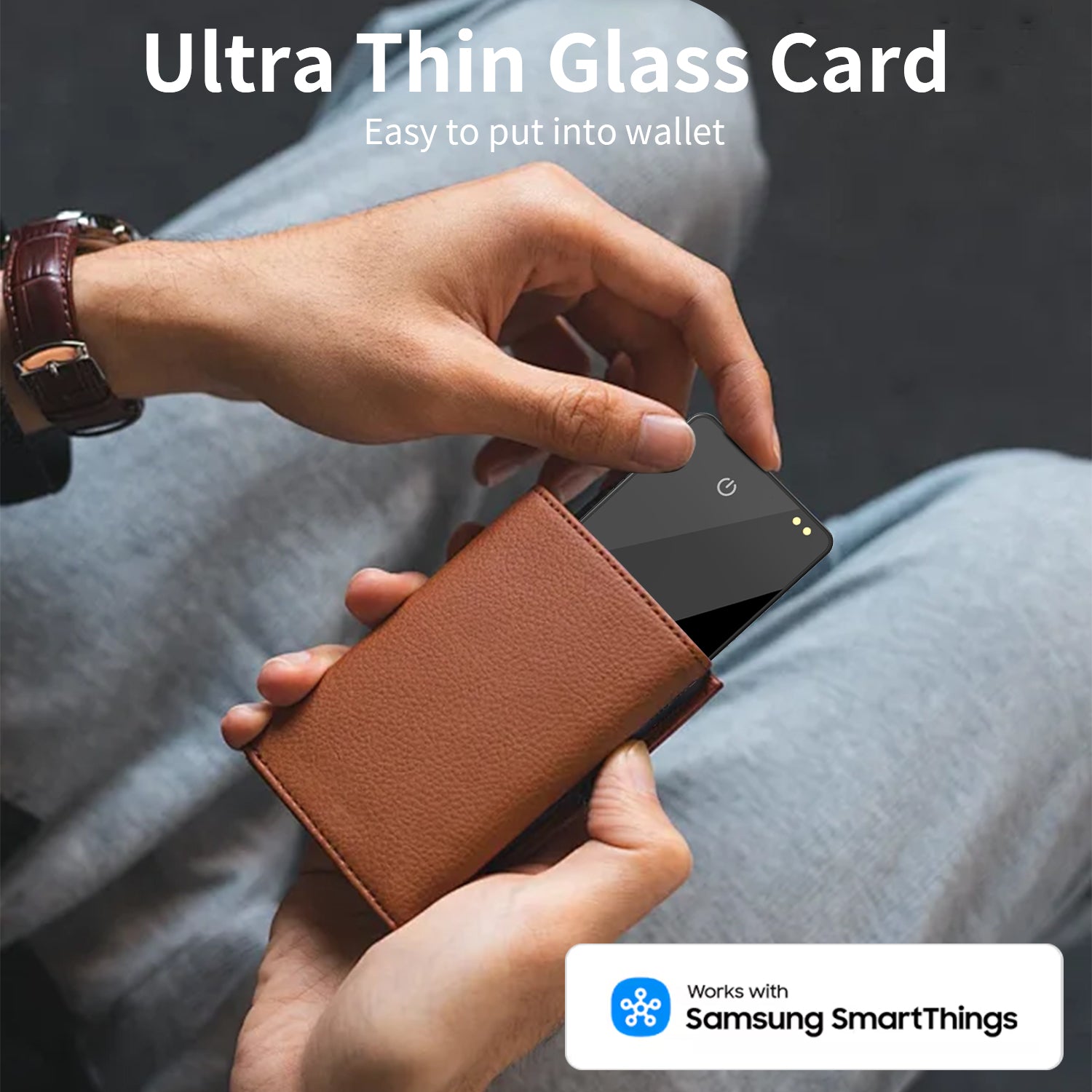
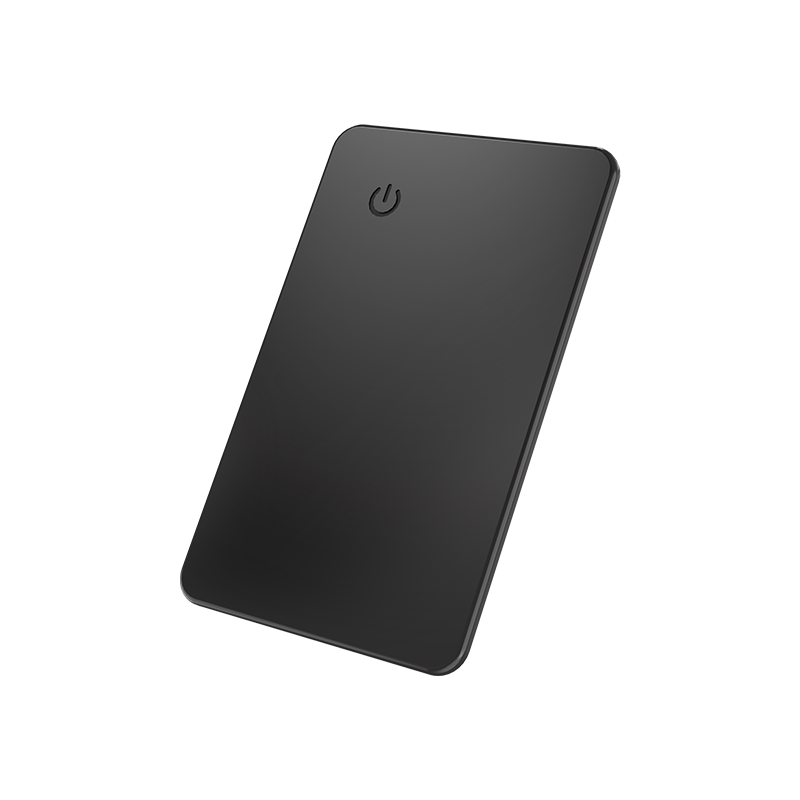
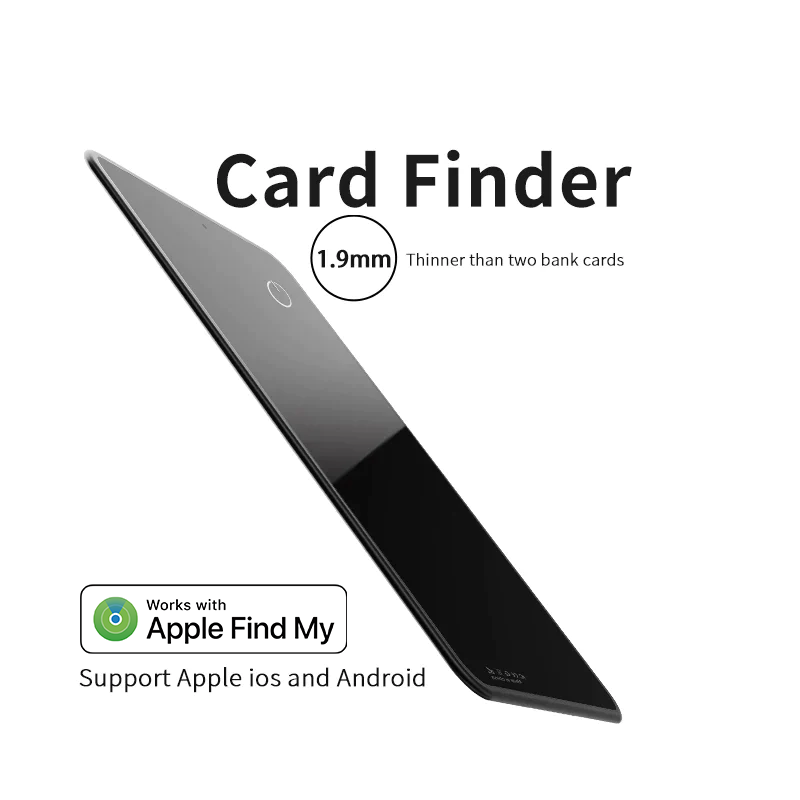
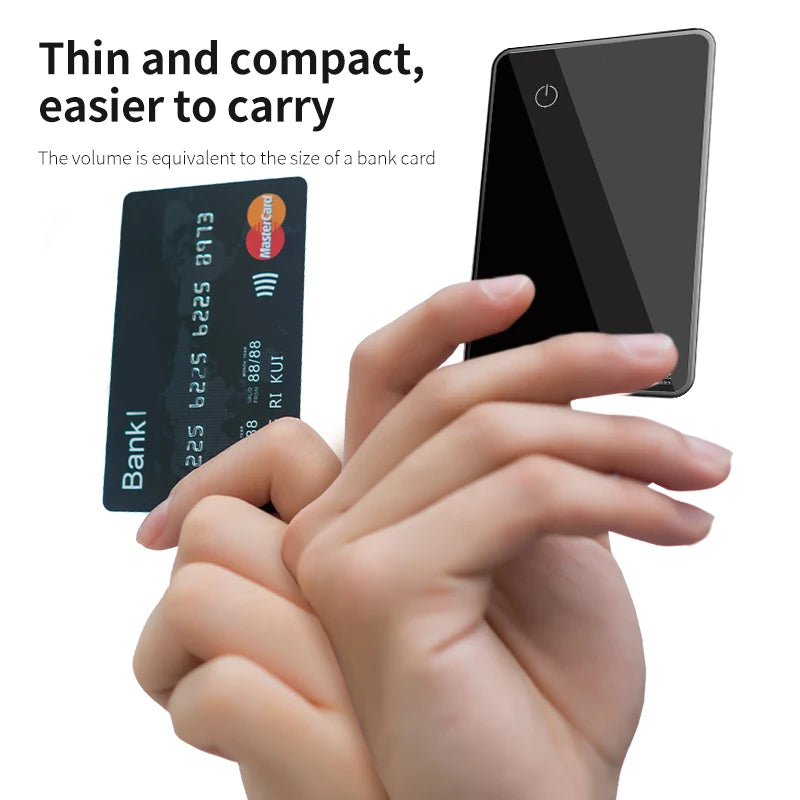
💳 Diseño ultrafino: Tiene la misma forma que una tarjeta de crédito (aprox. 1,9 mm de grosor). Se desliza fácilmente en tu billetera, tarjetero, funda de pasaporte o etiqueta de equipaje sin añadir volumen.
Compatibilidad:
-
Dispositivos iOS/iPadOS/MacOS (a través de la aplicación Find My de Apple).
-
También es compatible con dispositivos Android (a través de una conexión de aplicación específica).
In stock! Ships within 7-15 business days.
Free Shipping over $29.99
Customer Support
Free 1-Year Warranty
Best Sellers

FAQs
How to reset?
Shutdown
1. Press and hold for 5 seconds → You will hear a "beep" sound indicating successful shutdown.
2. Press briefly once → You will hear a power-on sound (continuous beeping).
Restart
1.Press the button 6 times quickly.
2.Keep pressing and holding the button on the 6th press.
3.Until you hear a long beep similar to 4.powering on.
5.Reset complete.
After resetting:
1.Clears Android/Apple dual system binding history.
2.You can reconnect to either system (but only one device can be connected at a time).
How to pair?
1.Turn on Bluetooth
2.For iOS: Open the “Find My” app, go to the “Items” tab, tap “Add Other Item3.For Android: Open the “Google Find Hub” app, tap “Add new device”
How to power off?
Long press for 5 secs until you hear 2 beeps
How to connect Tag to a new phone?
- You need to remove it from the Find My app or Google Find Hub
- Then you need to reset it